New Program in Project |
The New Program in Project dialog is brought up by the Project>New Program File... operation.
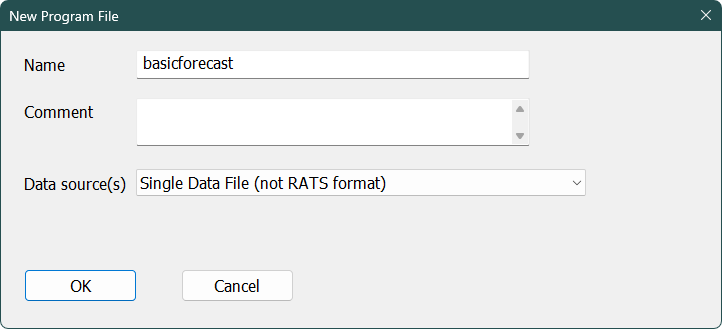
The Name is required and will be the base name for the program file (with an .RPF extension) and for its output file (with the extension from the Batch Output Extension in the Directories tab of the Preferences (.OUT by default). The Comment is optional and is displayed in the Project Window.
The Data Sources box has several choices. The most commonly used one will be the one showing in the sample ("Single Data File (not RATS format)"). This is for programs that are based upon a single text data file or Excel file or something like that. This will bring up the Data Wizard: Other Formats. Note that importing a data file can be very simple or can be fairly complicated, depending upon how well-formatted the information is. If you use "Single RATS Format File", the project dialog will bring up the Data Wizard: RATS Format Files dialog. Because those can be very large databases, you need to open the RATS format file first (File>Open operation, choose the .RAT file type to pick a RATS format data file) and choose the series that you want before doing the New Project.
Copyright © 2026 Thomas A. Doan